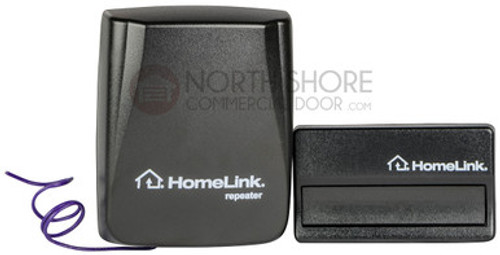
LiftMaster Garage Door Opener Remotes
Replace or Add a LiftMaster Garage Door Opener Remote Control
Find Affordable Options at North Shore Commercial Door
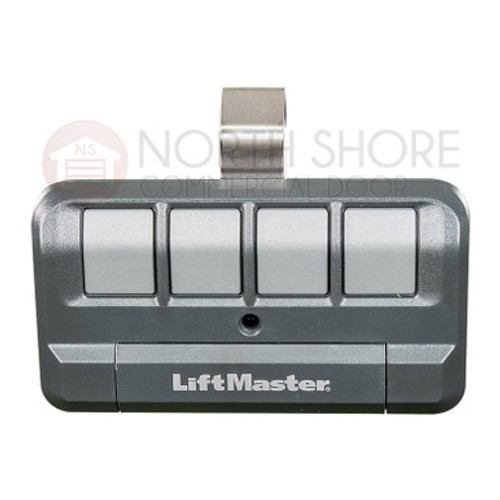
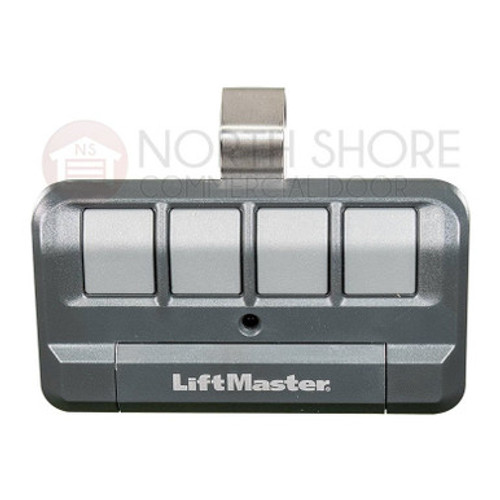
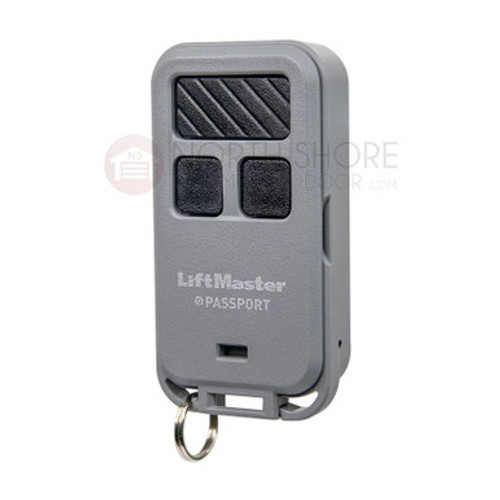
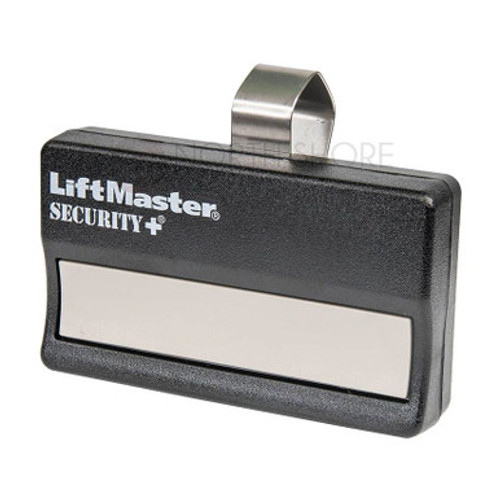
Looking to replace or add a LiftMaster garage door opener remote control? At North Shore Commercial Door, we offer a wide range of options to fit your budget. Discover bargain prices on one-button, two-button, and three-button LiftMaster garage door operator remotes. Whether you need a hand-held, visor-clip, or keychain remote, we have compatible LiftMaster options to meet your needs.
Universal Remote Compatibility
Our inventory includes the latest universal remote models that are compatible not only with LiftMaster but also with other popular garage door operator brands such as Sommer and Guardian. Enjoy the convenience of a single remote control for multiple operators.
Explore LiftMaster Remote Features
At North Shore Commercial Door, you'll find an array of LiftMaster remotes with various features to enhance your garage door operation:
LiftMaster 380UT: This two-button universal transmitter offers a simple two-step programming process for both commercial and residential use. It features Security+ rolling code technology, providing a unique code each time you press the remote button. The LiftMaster 380UT is MyQ-compatible, allowing operation with a smartphone app, and it works seamlessly with Key by Amazon for in-garage deliveries.
LiftMaster Security Plus Remotes: These remotes are designed with Security+ rolling code technology, ensuring the security of your entry/exit codes.
LiftMaster Canada (LMC) Remote Control Transmitters: If you're in Canada, explore our line of LiftMaster Canada remote control transmitters. Most of these remotes come with premium long-life batteries and car visor clips.
Expert Guidance and Support
For assistance in choosing the correct LiftMaster/Chamberlain remote control for your specific garage door system, refer to our comprehensive guide on How to Choose. You can also reach out to us at 440-365-5707 or send us an email at support@northshorecommercialdoor.com for personalized support and guidance.
Upgrade your garage door opener remote control with a reliable LiftMaster option from North Shore Commercial Door. Enjoy convenient and secure access to your garage with our affordable solutions.